
Description
PHPGuard Scanner Pro — Complete Usage Guide
Introduction
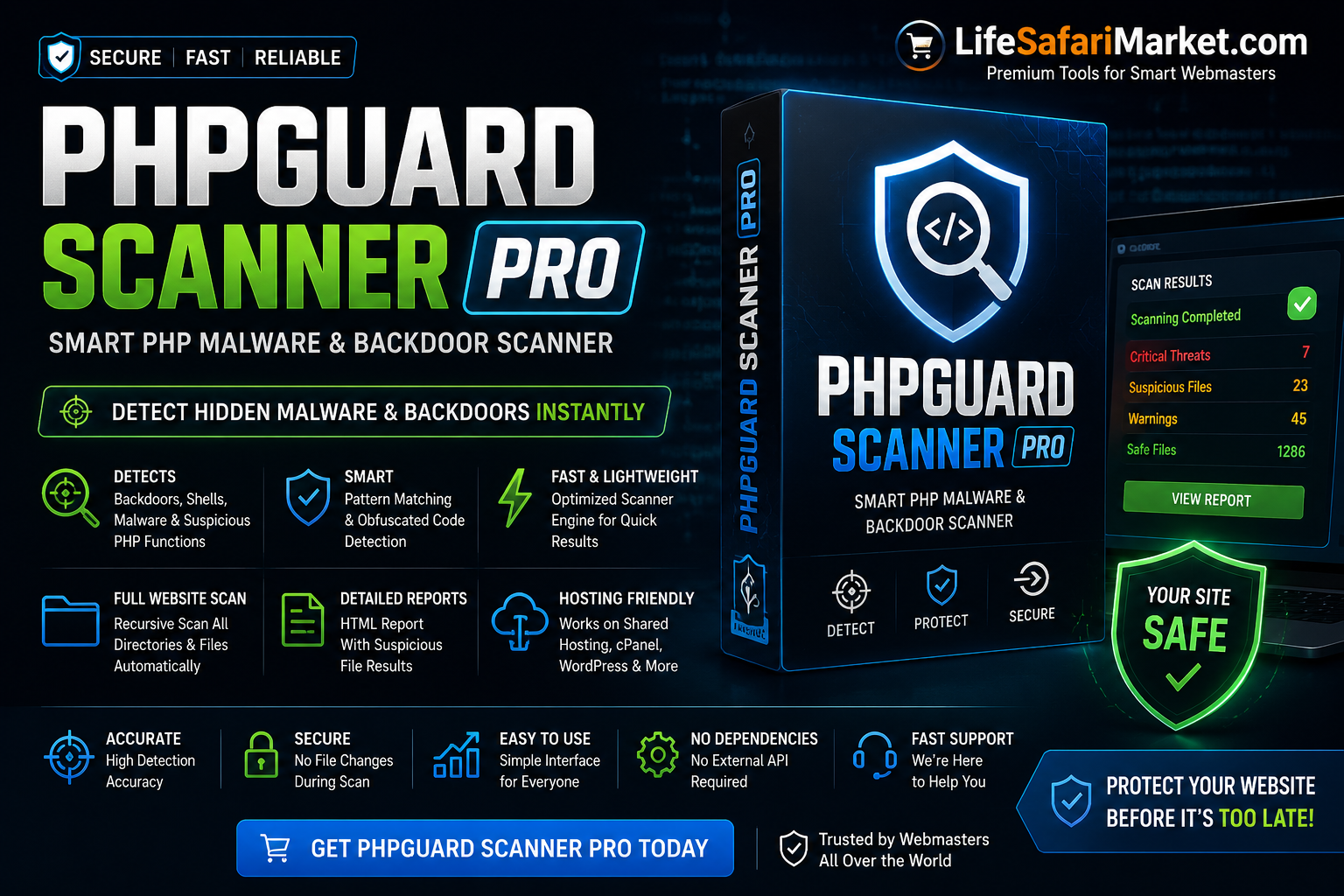
PHPGuard Scanner Pro is a lightweight PHP malware and backdoor scanner designed to detect suspicious files, hidden shells, encoded malware, and dangerous PHP functions inside your website or hosting account.
It is ideal for:
- WordPress websites
- SMM Panels
- PHP applications
- Shared hosting users
- cPanel hosting
- Laravel projects
Features
✔ Full Website Recursive Scan
✔ Detects PHP Backdoors
✔ Finds Suspicious Functions
✔ Real-Time Scan Results
✔ HTML Scan Report Generator
✔ Lightweight & Fast
✔ Shared Hosting Compatible
✔ One File Installation
✔ No API Required
Detected Functions & Malware Patterns
PHPGuard Scanner Pro scans files for suspicious functions such as:
- eval()
- base64_decode()
- shell_exec()
- exec()
- system()
- gzinflate()
- symlink()
- convert_uu()
- move_uploaded_file()
- hidden encoded payloads
- obfuscated malware code
Installation Guide
Step 1 — Upload Scanner
Upload the scanner file to your website root folder.
Example:
public_html/
You can upload using:
- cPanel File Manager
- FTP
- DirectAdmin
- Plesk
Step 2 — Open Scanner
Visit:
https://yourdomain.com/scanner.php
Example:
https://example.com/scanner.php
The scanner will automatically start scanning all files and folders recursively.
Step 3 — Wait for Scan Completion
The scanner checks:
- PHP files
- subdirectories
- suspicious code patterns
Large websites may take several minutes depending on:
- file count
- hosting speed
- server performance
Understanding Results
Safe Files
Green results indicate:
SAFE
These files do not contain suspicious patterns.
Suspicious Files
Red results indicate:
FOUND
Example:
Found (eval, base64_decode, shell_exec)
This means the file contains potentially dangerous functions.
Important Note About False Positives
Some legitimate PHP applications may use functions like:
- file_get_contents()
- mail()
- substr()
- basename()
This does NOT always mean malware.
Review suspicious files carefully before deleting anything.
Generated Report
After completion, the scanner creates:
result-scanner.html
This report contains:
- suspicious file paths
- detected functions
- scan summary
Open:
https://yourdomain.com/result-scanner.html
Recommended Workflow
- Run scanner
- Review suspicious files
- Backup website
- Remove malicious code carefully
- Re-scan website
- Change passwords after infection cleanup
Best Practices
✔ Delete scanner after usage
✔ Keep website backups
✔ Use strong passwords
✔ Update CMS/plugins regularly
✔ Remove nulled themes/plugins
✔ Scan website weekly
Performance Optimization
The scanner automatically skips files larger than 2MB to:
- reduce memory usage
- prevent server overload
- improve scan speed
Hosting Compatibility
Compatible with:
- Shared Hosting
- VPS
- Dedicated Servers
- cPanel
- DirectAdmin
- Plesk
- Cloud Hosting
Security Recommendations
If malware is detected:
✔ Change hosting password
✔ Change database password
✔ Change admin passwords
✔ Remove unknown admin users
✔ Update all plugins/themes
✔ Check cron jobs
✔ Check .htaccess files
Troubleshooting
White Screen
Enable PHP errors or check:
error_log.txt
Permission Issues
Make sure:
- files are readable
- scanner has directory access
Slow Scanning
Very large websites may scan slowly on shared hosting.
Recommended:
- split scans by directory
- increase memory limit
- use VPS for huge websites
Recommended File Name
For better security rename:
scanner.php
to something random like:
scan_9281.php
Important Warning
This tool is a detection utility and does not automatically clean malware.
Always verify suspicious files before deleting or modifying them.
Support
Need help?
Visit:
LifeSafariMarket.com
Thank you for using PHPGuard Scanner Pro.

Reviews
There are no reviews yet.